Manual
Everything you need to set up your account and use PineGen AI with confidence
Welcome to PineGen AI
What is PineGen AI ?
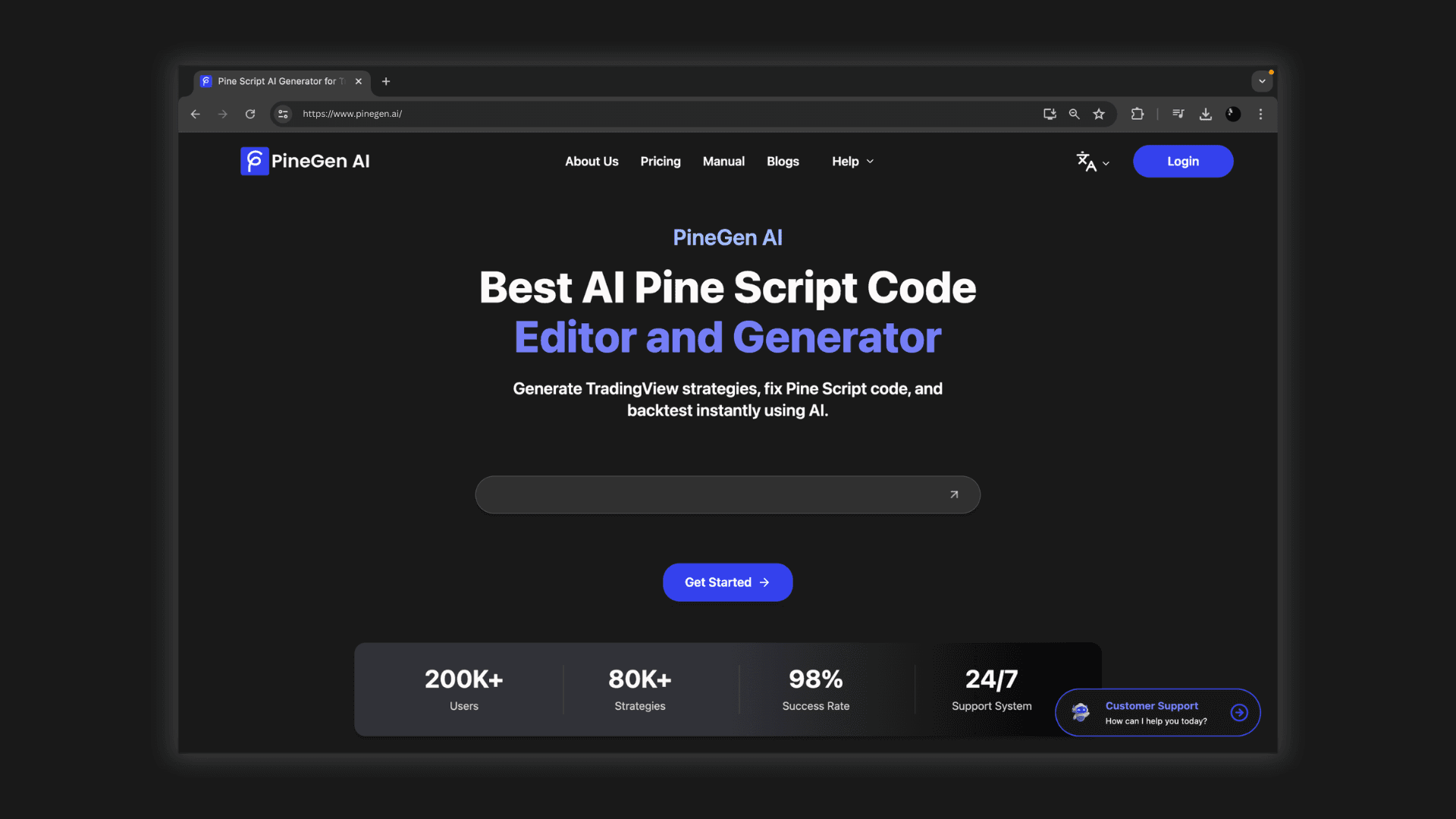
PineGen AI is an AI-powered platform that helps traders turn trading ideas into TradingView-ready Pine Script code for traders of all levels.
Share your trading idea (a strategy, indicator, or alert), and PineGen AI generates clean, TradingView-ready Pine Script you can copy into TradingView to test, refine, and iterate.
How PineGen AI Helps
With PineGen AI, you can:
- Generate new Pine Script strategies/indicators from plain-language rules PineGen AI
- Fix / debug existing scripts when TradingView throws compile errors (paste error + code, get a repaired version) PineGen AI
- Explain scripts (understand entries/exits, filters, repaint risks, etc.)
- Chat and Ask questions related to pinescript or general app related
Who it's for
Beginners
If you don't know Pine Script yet, you can still build strategies using your own language to describe your trading logic. PineGen AI turns it into TradingView-ready Pine Script you can copy into TradingView to test. Backtesting is already available in PineGen AI.
Advanced users
If you already code, PineGen AI helps you prototype faster, patch errors, and generate modular code you can customize and extend.
Supported Pine versions
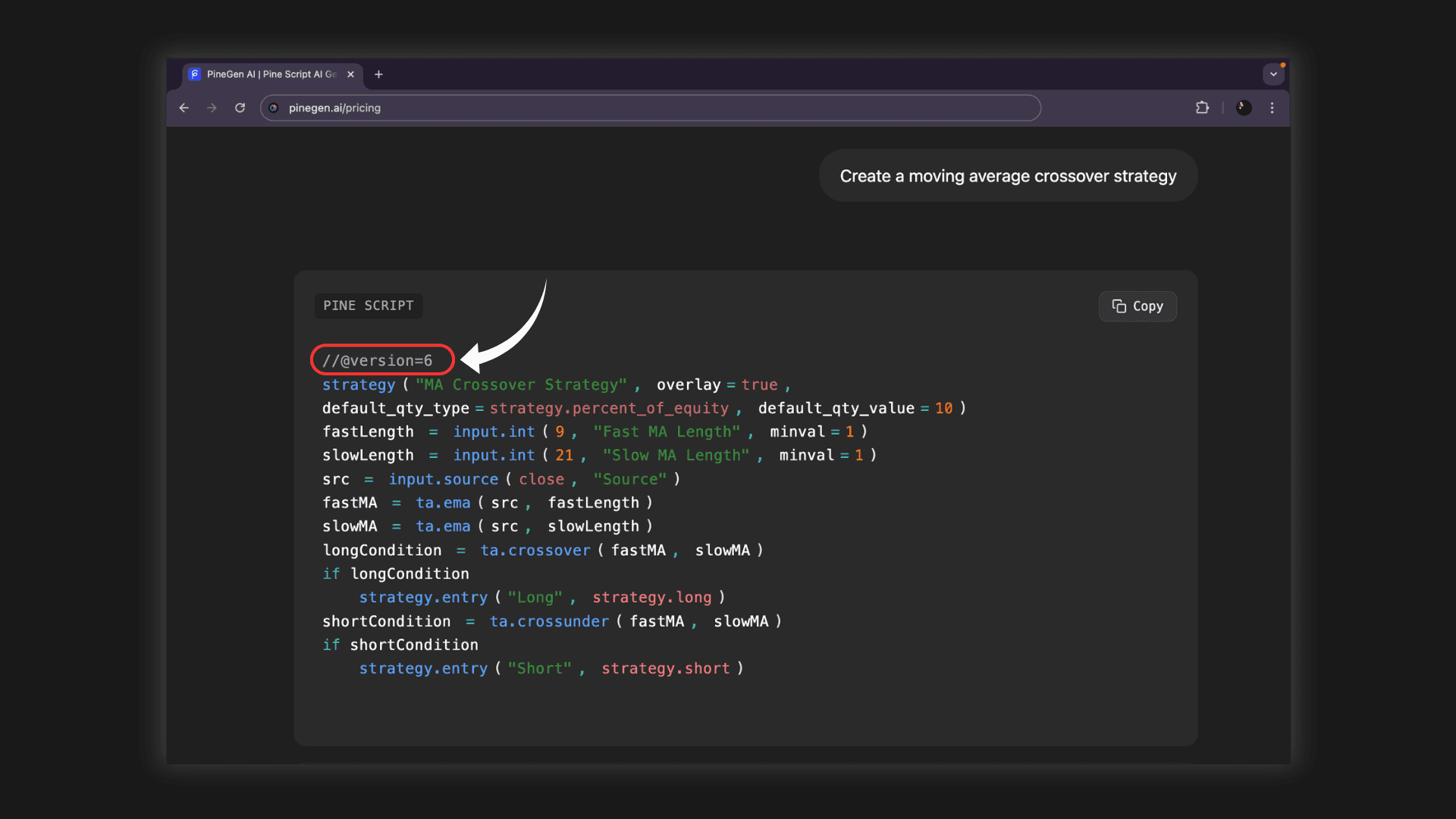
Pine Script versions are controlled by the header at the top of your script, like //@version=6.
- v6 (recommended/latest): PineGen AI describes generating Pine Script v6 code and "native support" for v6 features.
- v5 / v4 (legacy): Many existing scripts are still in v5/v4. If you're working with older code, you may need to migrate. TradingView provides official migration guides (e.g., v5 → v6). TradingView
Practical takeaway: Use v6 for new projects unless you have a reason to stay on v5/v4 (compatibility with older scripts/libraries). Always test in TradingView after generation.
How to Create a Project in PineGen AI
- Log in to PineGen AI
- Create a new thread (one thread = one project)
- Write your prompt (or use Prompt Builder)
- PineGen AI will generate a validated code with live preview chart and backtesting summary.
- Simply copy the code from the copy button and paste in TradingView.
Key features in PineGen AI
Commonly used features include:
- Prompt-to-code generation - Instant Code Generation, Real-time code compilation and validation and Iterative Refinement
- Explain mode (understand what code is doing)
- Backtesting and trading chart preview
- Chat continuation memory
- Threads for organizing projects.
- Script saving & management
Pricing Plans and Credits
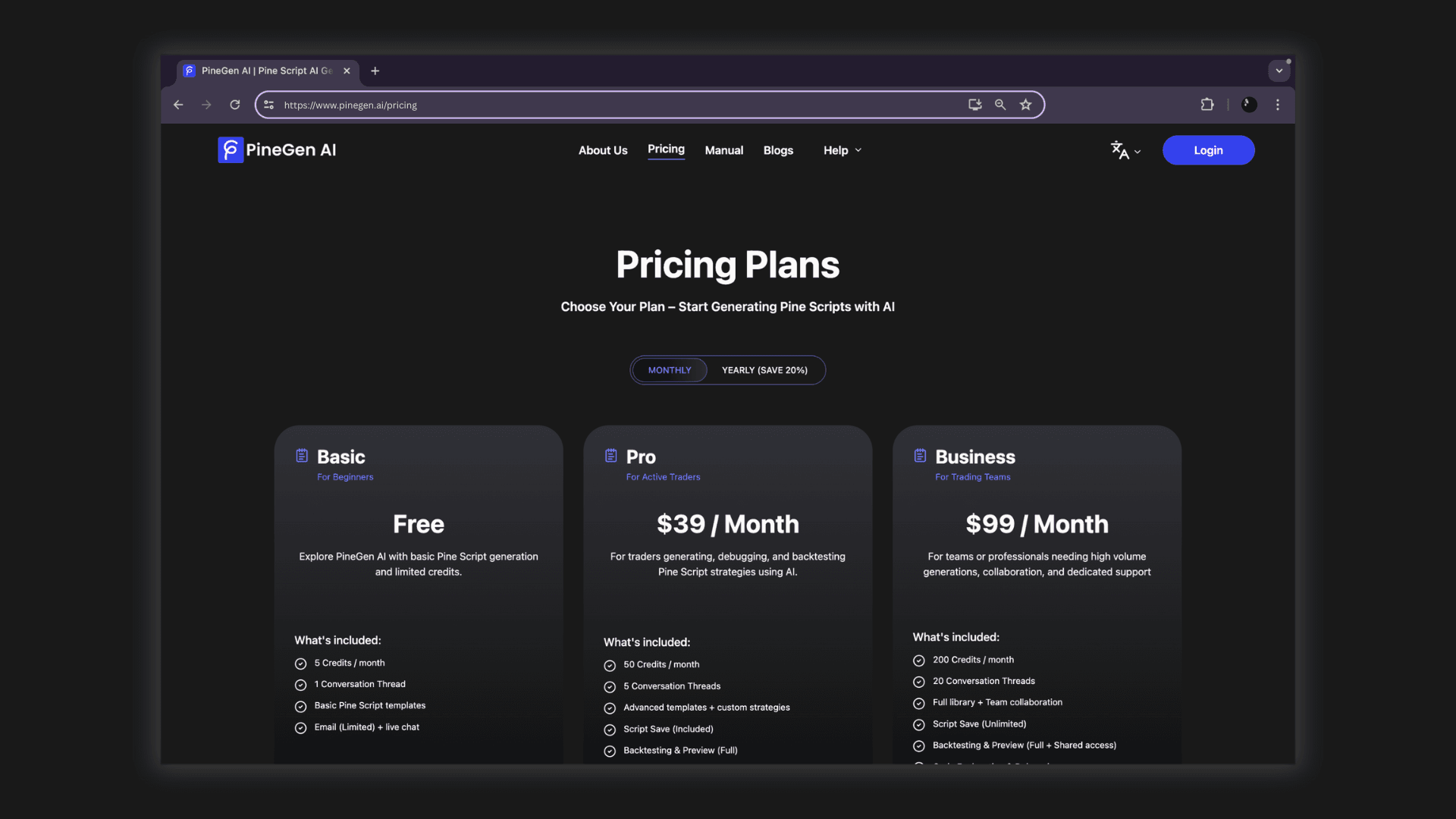
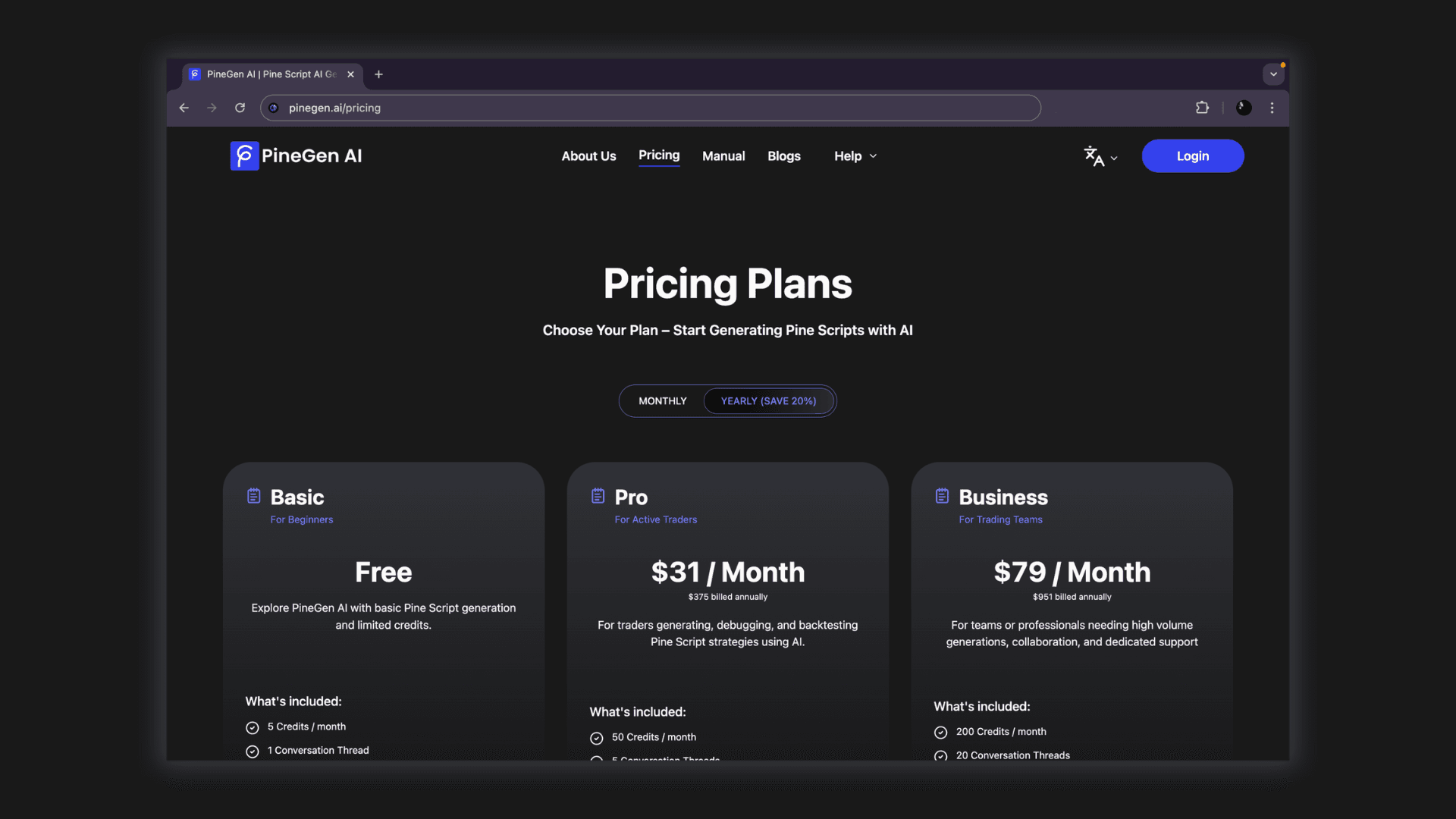
From PineGen AI's pricing comparison, the monthly and yearly options are shown as follows:
Monthly
- Basic: $0/mo, 5 credits/month, 1 thread
- Pro: $39/mo, 50 credits/month, 5 threads
- Business: $99/mo, 200 credits/month, 20 threads
Yearly (Annual subscriptions inclusive of 20% discount)
- Basic: $0/mo, 5 credits/month, 1 thread
- Pro: $375 billed annually, 50 credits/month, 5 threads
- Business: $951 billed annually, 200 credits/month, 20 threads
Why Traders Choose Pinegen AI
Pinegen AI bridges the gap between a simple generator and a professional code editor. It allows beginners to build strategies without coding, while helping advanced traders fix and optimize complex scripts in seconds.
Whether you are building a simple RSI strategy or a complex multi-timeframe strategy, Pinegen AI ensures your code is formatted perfectly for TradingView.