Integrating Pine Script with External APIs: Real-Time Data and Alerts
Author : Ranga Technologies
Publish Date : 4 / 6 / 2026 • 2 mins read
Last Updated : 4 / 6 / 2026
Have you ever wanted your Pine Script strategy to react to external signals, real-time data, or alerts from another system, without manual copying and pasting every time?
If yes, you’re not alone, and this is exactly the problem many traders struggle with on TradingView. (Reddit)
Integrating Pine Script with external APIs is one of the most sought-after enhancements in the TradingView community. Pine Script cannot directly fetch external API data due to platform limitations, but clever use of alerts, webhooks, and external services enables real-time data flows.
This article explains why integration matters, what’s possible today, how to implement real-time alerts with JSON webhooks, and what tools like PineGen AI bring to the table.
1. Why API Integration Matters
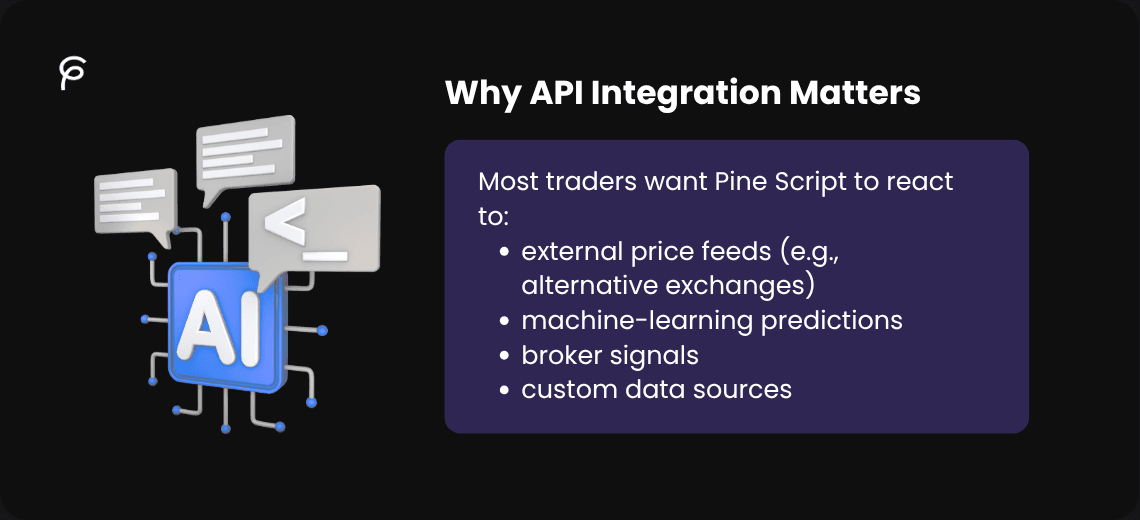
Most traders want Pine Script to react to:
-
external price feeds (e.g., alternative exchanges)
-
machine-learning predictions
-
broker signals
-
custom data sources
But TradingView’s scripting environment is sandboxed. That means Pine Script can’t directly fetch data from an external API like you would in Python or JavaScript, a limitation confirmed by multiple developers and community posts. (Reddit)
If you could integrate APIs, you could build:
-
hybrid indicators using proprietary signals
-
real-time alerts that trigger actions elsewhere
-
automated execution pipelines with external bots
This is why many traders keep asking for better API hooks. (Reddit)
2. What Pine Script Can & Can’t Do
Can Do
Create alerts that fire when conditions are met
Send alert messages (including JSON) to webhook URLs (TradingView)
Use inputs to manually inject data
Can’t Do
Make HTTP requests directly from Pine Script to external APIs
Fetch JSON or API responses within the script itself
Authenticate with external services inside Pine Script (Stack Overflow)
In other words: you can push data out of Pine Script via alerts, but not pull data in.
3. How External API Integration Works (Alert → Webhook Flow)
Since Pine Script can’t fetch external data, the workaround is:
-
Generate alerts in Pine Script based on your conditions.
-
Format the alert message as JSON (so your external system can parse it). (TradingView)
-
Send the alert to a webhook URL you control (your server, cloud function, bot).
Your server receives the webhook, processes it, and calls the external API if needed.
Your server can then trigger actions (notifications, trade execution, logging, dashboards).
This alert-to-API pattern is the only reliable method today.
4. Big Code Section: Webhook Alerts with JSON
Below is a practical Pine Script example that sends OHLCV candle data to a webhook on every confirmed bar close:
//@version=6
indicator("Webhook OHLCV Sender", overlay=false)

// == User Inputs ==
webhookURL = input.string("[https://yourserver.com/webhook](https://yourserver.com/webhook)", "Webhook URL")
sendOnClose = input.bool(true, "Send on Bar Close")

// == Data ==
o = open
h = high
l = low
c = close
v = volume

// == JSON Formatting ==
jsonPayload = '{' +
    '"time": "' + str.tostring(time, "#") + '",' +
    '"open": ' + str.tostring(o) + ',' +
    '"high": ' + str.tostring(h) + ',' +
    '"low": ' + str.tostring(l) + ',' +
    '"close": ' + str.tostring(c) + ',' +
    '"volume": ' + str.tostring(v) +
    '}'

// == Alert Trigger ==
if sendOnClose and barstate.isconfirmed
    alert(jsonPayload, alert.freq_once_per_bar_close)

// == Optional Plot ==
plot(c, title="Close Price")
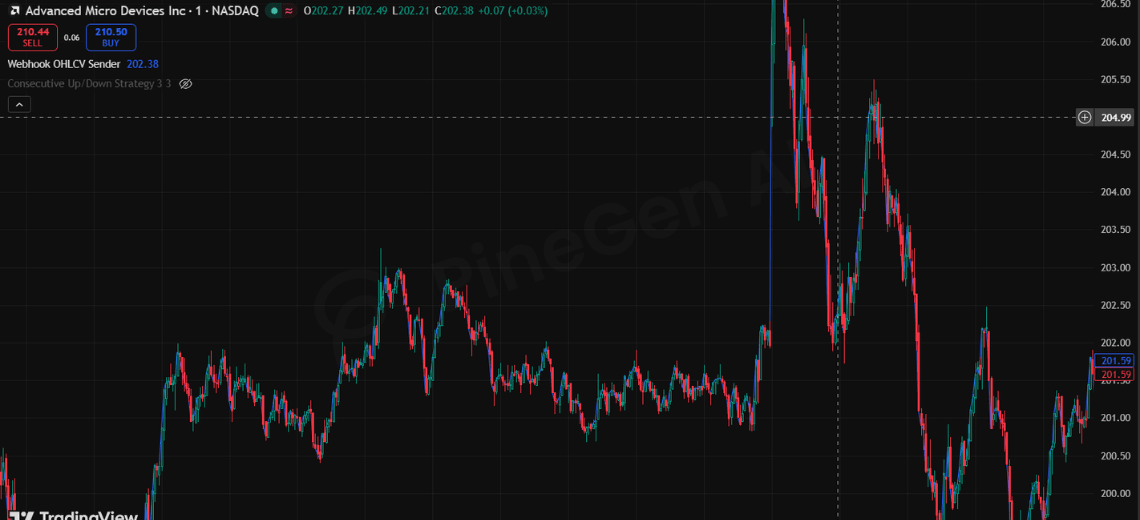
This script builds a JSON object containing OHLCV data and triggers an alert on each closed bar. Your webhook endpoint will receive this structured data and can forward it to external APIs, databases, or bots.
5. Real Limitations (Community & Docs)
The TradingView community repeatedly confirms that direct external data access isn’t supported in Pine Script:
-
users ask for HTTP requests and get told it’s not possible (Stack Overflow)
-
attempts to import external files/data are blocked
-
the only workaround is alerts or manual input
TradingView itself does not provide a REST API for Pine Script to fetch live data; their API offerings are for brokers and platform partners. (TradingView)
This means the alert-to-webhook pattern is the de facto solution.
6. Why Use PineGen AI Instead of Other Tools
You might wonder: Why not just use ChatGPT or generic AI?
Here’s the reality:
-
Generic AI doesn’t understand TradingView constraints (e.g., no HTTP fetch)
-
Generic tools often produce Pine Script with errors or impossible API calls
-
PineGen AI is trained specifically for Pine Script logic, alerts, and webhook workflows
PineGen AI helps you by:
-
generating valid Pine Script that fits TradingView’s limitations
-
formatting alert messages correctly (JSON, variables)
-
suggesting best practices for real-time alert automation
In short, PineGen AI knows the platform, general LLMs don’t.
7. Conclusion & CTA
Direct integration of Pine Script with external APIs isn’t natively supported on TradingView today. That’s a hard technical constraint, not a myth. The only reliable method is alert → webhook → external processing, using JSON formatting and external services to handle real-time API calls.
This approach lets you build hybrid systems where Pine Script triggers real-time actions outside TradingView, such as:
-
sending signals to a bot
-
logging data to a database
-
feeding alternative data sources into your models
If you want help turning your alerts into a full automation pipeline, or you want Pine Script that actually works with your webhook logic, I can help you build it step-by-step.
Next step: Tell me your webhook target (server, cloud function, bot) and I’ll tailor the full automation workflow for you.